Baroxon® | Leading Boom Barrier Manufacturer

Integrating License Plate Recognition with a Parking Barrier
Release time:
2026-10-28
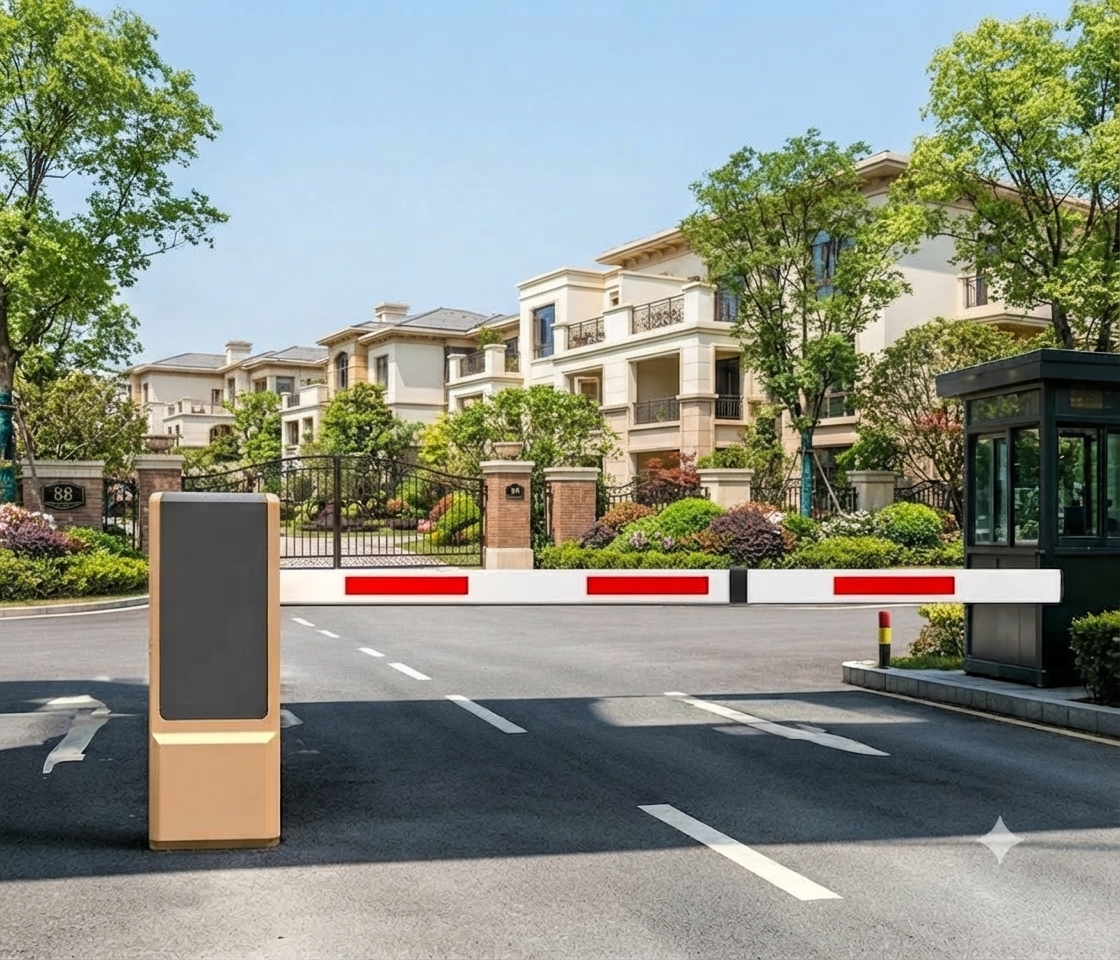
License plate recognition turns a barrier into a hands-free entrance: the vehicle drives up, the camera reads the plate, the software checks it against a list and the arm opens without the driver touching anything. The technology is mature, but the result depends almost entirely on how well the integration is designed. A good camera in a bad position, or a good camera connected to a controller that cannot accept the command, produces an entrance that works in the demo and fails in the rain.
1. How the LPR/ANPR system works with a barrier
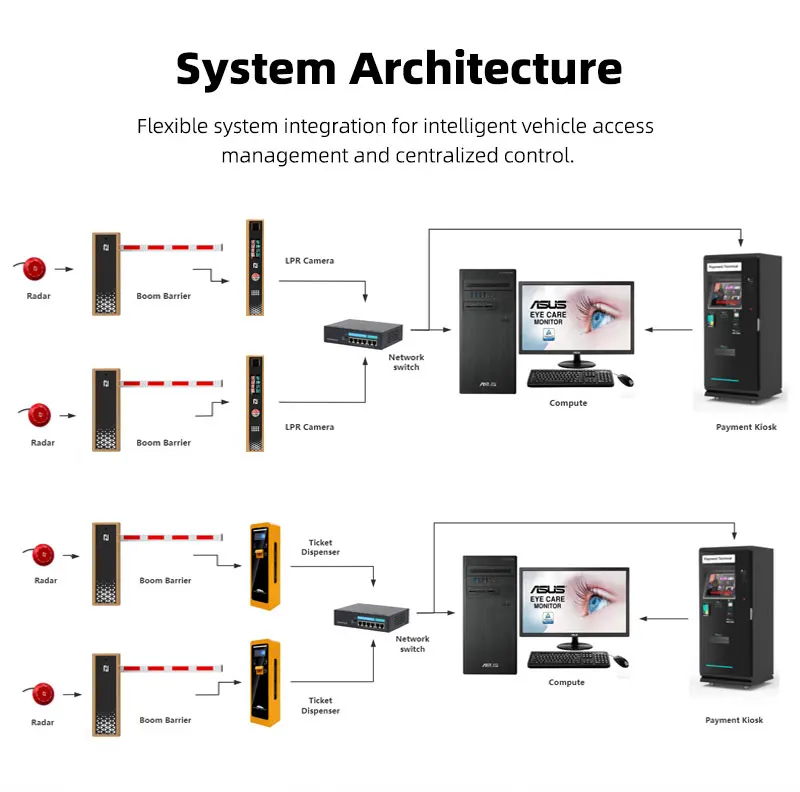
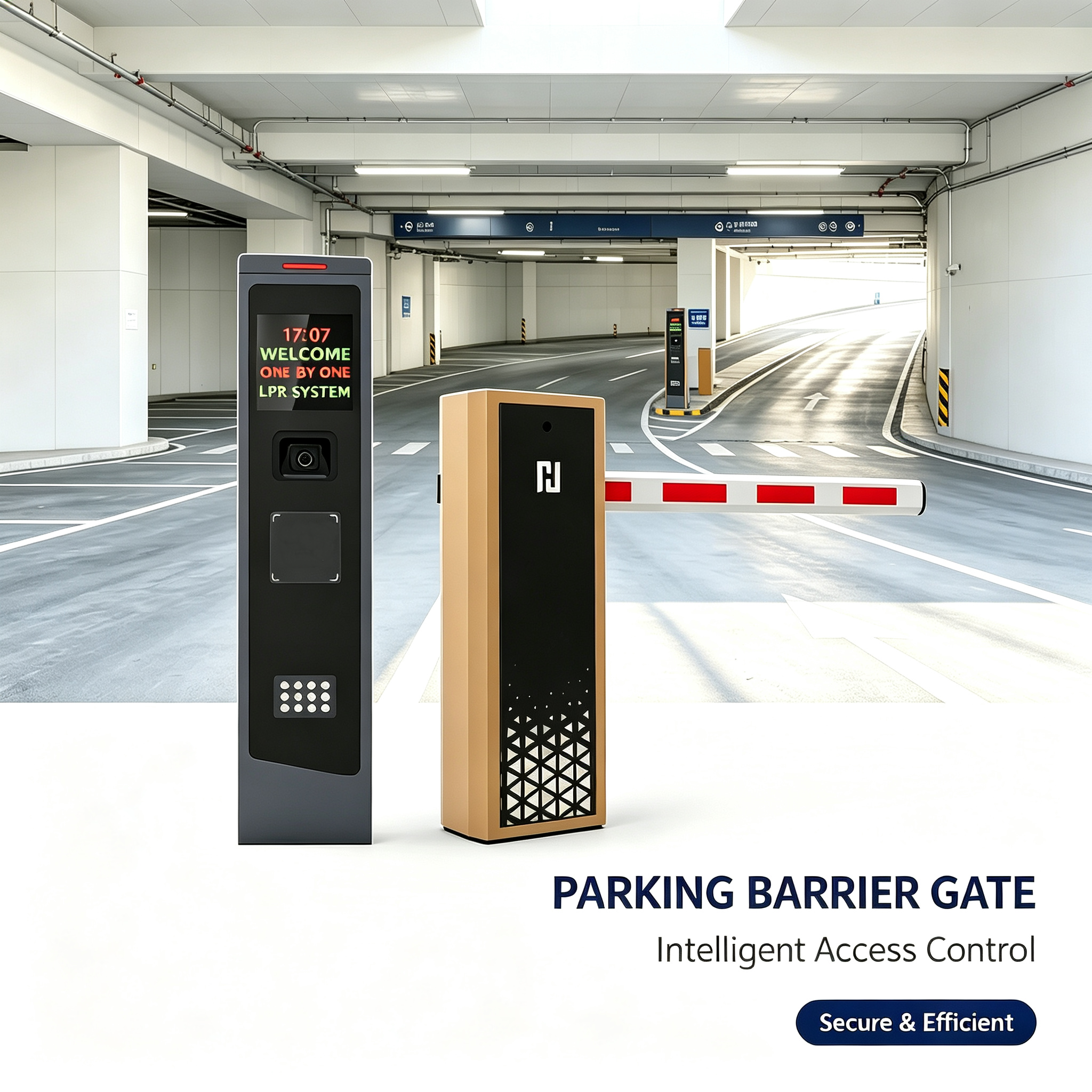
The system consists of four parts: the camera, the recognition software, the access rules and the barrier controller. The camera captures the plate, the software converts the image into characters and compares the result with the allow list. If there is a match and the rule permits entry, the software sends an open command to the barrier controller, which then drives the arm. The barrier does not recognise anything itself — it executes a signal.
Typical entry scenario
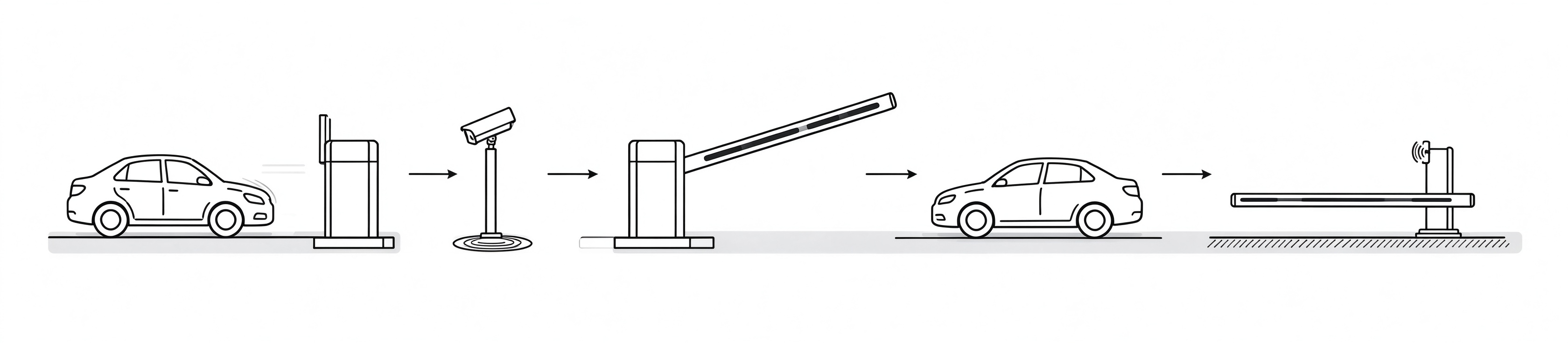
A vehicle approaches the stop line and triggers the detection — usually a loop or a virtual loop in the camera. The camera takes one or more frames, the software reads the plate and checks the list. On a match the barrier opens, the vehicle passes and the loop releases, and the software records the event. The whole cycle normally takes one to three seconds, and the mechanical movement of the arm is only a part of it.
2. Check camera, software and barrier compatibility
Compatibility has three layers and all three must be confirmed. First, the camera must be supported by the recognition software — not every camera works with every engine. Second, the software must be able to send a command in a format the barrier controller accepts: a dry contact, a Wiegand output, an RS-485 or TCP/IP command, or an HTTP request. Third, the access rules in the software must be able to express what the site actually needs: time zones, vehicle categories, visitor lists, anti-passback. Confirm all three in writing before ordering, and confirm the firmware versions as well.
3. Design the correct camera position
Recognition quality is mostly geometry. The camera should see the plate at a moderate horizontal angle, at a distance where the plate occupies enough pixels, with the plate illuminated and not obscured by a tow bar, a bike rack or dirt. Mounting the camera too high increases the vertical angle and distorts the characters; mounting it too far away reduces the plate size below the recognition threshold. Avoid pointing the camera towards direct sun or towards a strong light source at night, and check that the headlights of an approaching vehicle do not blind the camera at the moment of capture.
4. Configure the allow list and access rules
The allow list is a business decision, not a technical detail. Decide who is allowed in: residents, staff, tenants, registered visitors, delivery vehicles, emergency services. Decide how long each permission lasts and what happens when it expires. Decide what the system should do with an unregistered vehicle — deny entry, offer an intercom call, issue a visitor ticket, or open automatically during working hours. These rules should be written down and tested before the entrance goes live, because changing them afterwards means retraining everyone who uses the entrance.
5. Connect the barrier and the safety devices
The open command from the software is only one input to the controller. The safety devices are equally important: the loop that confirms the vehicle has passed, the photocells that prevent closing on a vehicle, the radar that detects a vehicle stopped under the arm. Check that the controller has enough inputs for the planned sensors, that the sensors are compatible with the controller's voltage and logic, and that the closing logic uses the loop release rather than a fixed timer wherever possible.
6. Run tests before go-live
Testing should cover normal and abnormal cases, not only the happy path. Test a registered plate in daylight, at night, in rain and with a dirty plate. Test an unregistered plate, a plate from another region, a trailer that hides the plate, and two vehicles following closely. Test what happens when the network drops, when the software is offline, when the camera loses power, and when the barrier loses power. Each of these scenarios needs a defined behaviour, and the staff at the entrance need to know it.
7. Consider data protection and logging
Plate numbers are personal data in most jurisdictions, including Russia. Define what is stored, for how long, who can access it and how it is protected. Retention periods should be justified by a business need — usually a few weeks for dispute resolution, not indefinite storage. Access to the logs should be limited and auditable, and the data should not be exported to unsecured spreadsheets. If the site processes visitor plates, the visitors should be informed in a visible way.
8. How to integrate LPR with an existing access control system
If the site already has an access control system, the recognition software usually becomes an additional credential source rather than a replacement. The cleanest architecture keeps the access control system as the decision maker and lets the LPR software send an event that the access control system evaluates. The alternative — LPR software controlling the barrier directly — is simpler but creates a second island of rules that has to be maintained separately. Choose deliberately and document the decision.
9. Typical integration mistakes
The most common mistakes are predictable. A camera mounted at the wrong angle "because that was the only free bracket". A recognition engine that is not licensed for the number of lanes actually installed. Access rules implemented in two places and drifting apart. Safety devices omitted because "the camera sees the car". No behaviour defined for network failure. No test with dirty or foreign plates. Each of these can be avoided at the design stage and each of them is expensive to fix after commissioning.
Frequently asked questions
Can an LPR camera be connected to any parking barrier?
Only if the barrier controller accepts the command format the software produces. Many controllers accept a dry contact or Wiegand signal, which covers most cases, but the specific combination must be confirmed by the supplier of both devices.
Are RFID cards still needed if plate recognition is used?
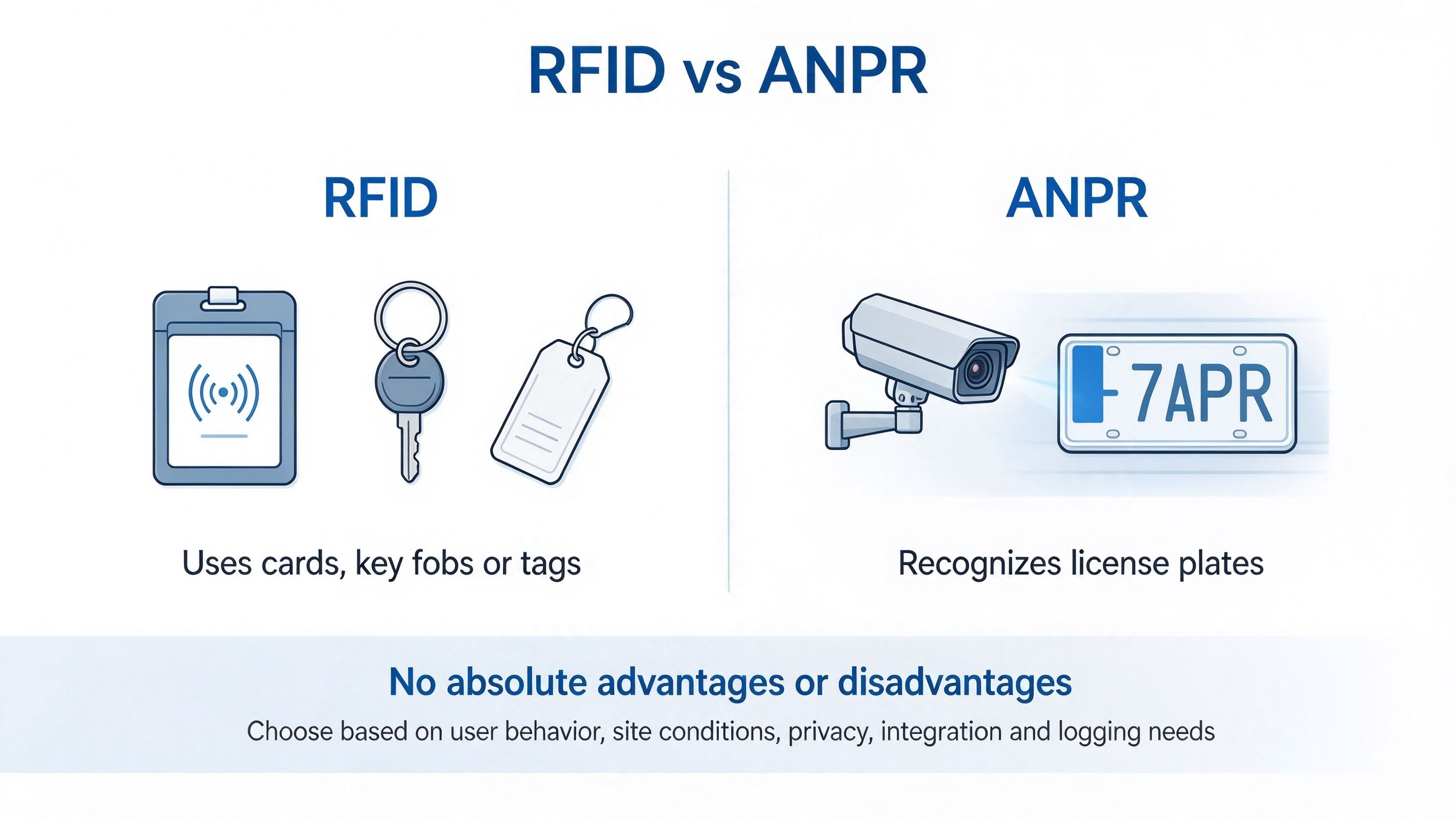
Not necessarily, but many sites keep RFID for staff and residents because it is faster and independent of plate condition, and use recognition for visitors. A hybrid approach usually gives the best throughput and the fewest complaints.
What should be done if the plate is recognised but the barrier does not open?
Check the command path first: does the software log show a sent command, and does the controller log show a received one? If the command arrives, the problem is in the controller configuration or in the safety input. If it does not arrive, the problem is in the network, the interface or the software rule.
Is this system suitable for a residential compound or an industrial site?
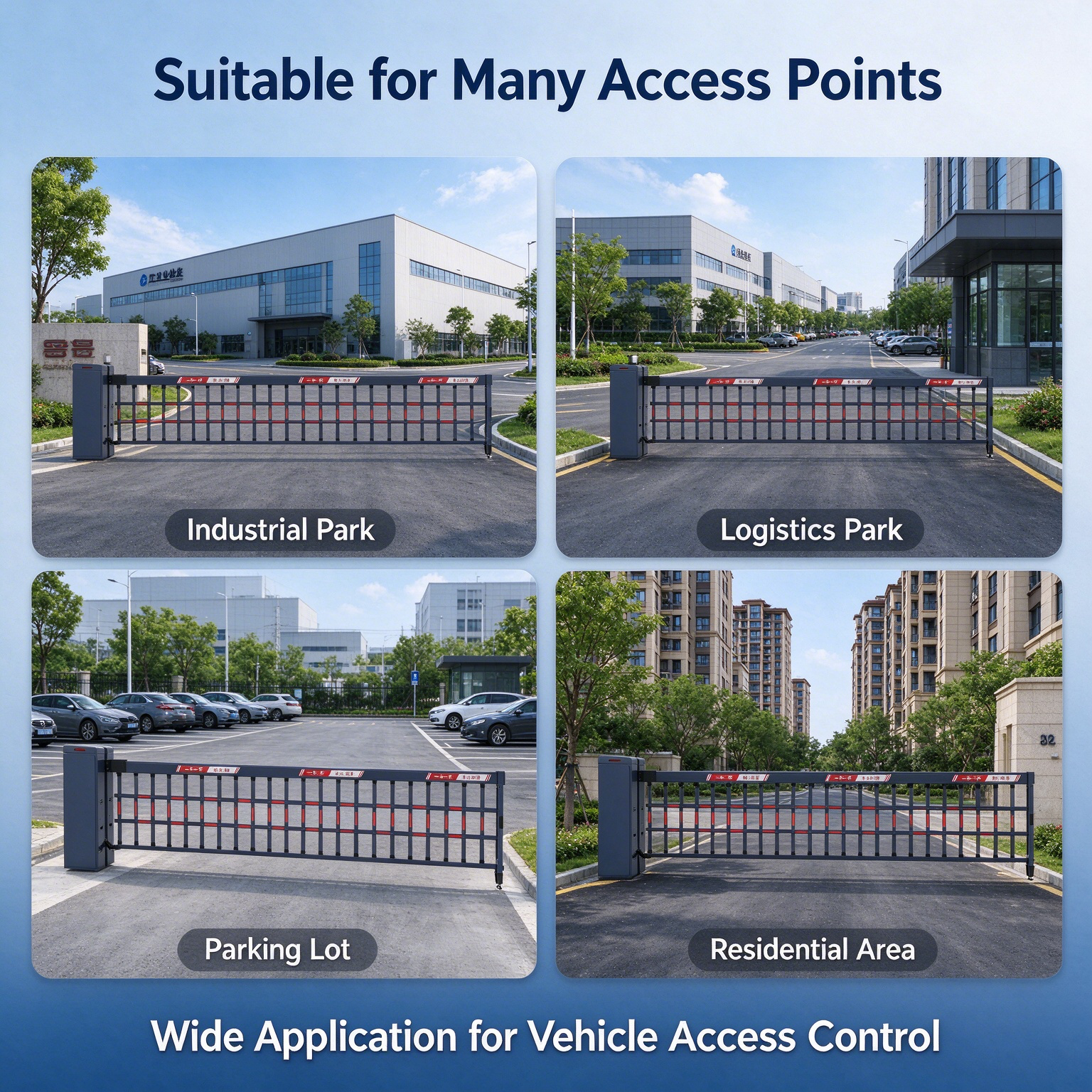
Yes, with different rule sets. A residential compound usually needs a large permanent allow list and a simple visitor procedure; an industrial site usually needs vehicle categories, time windows, weight or height restrictions and integration with a weighbridge or a gatehouse. The technology is the same, the rules are not.
Conclusion
LPR integration succeeds or fails at the design stage. Confirm the three compatibility layers, place the camera by geometry rather than convenience, write the access rules down, keep the safety devices independent of the camera, and test the abnormal cases before the entrance opens. Done in this order, plate recognition becomes an invisible improvement; done in the wrong order, it becomes a permanent source of support tickets.
Latest News
Baroxon® | Leading Boom Barrier Manufacturer
Advanced Security Access Control and Intelligent Parking Solutions.
Company Strength
Adequate Inventory
Fast Shipping
Our Products
CONTACT US
Address: No. 2 Wanshou Road, International Innovation Industrial Park, Jinan, Shandong, China







© 2026 Baroxon® | Leading Boom Barrier Manufacturer

Contact Us
Our passion is to bring your ideas to life. Work with our design team to create a one-of-a-kind custom finish or cladding system to create a truly unique space. Together we can make your story stand out. If you need something to request a sample, request pricing, or request a demo, please fill out the contact form below. Explain your request in as much detail as you can and a representative will contact you within 1 business day.